
 Bloks
 OpenBot
Checked 6 November 2026 · Sources
Bloks vs OpenBot
The two apps closest to each other on these pages: both run the coding agents you already use, as a team, on your own computer. They differ on safety, memory, licence and maturity.
- Bloks ahead on 5
- OpenBot ahead on 1
- Even on 8
The short answer
Which one is for you
Choose Bloks ifOur pick
- You will use it for work: Bloks is free for any use except selling it, while OpenBot's licence is noncommercial and work use is paid.
- You want agents that ask before acting, and everything they change can be undone.
- You want memory as files you can read and edit.
- You want no analytics from the app, and an iPhone and Apple Watch app on the App Store.
Choose OpenBot if
- You want an Android app today.
- You want computer use on Mac, Windows and Linux, plus a remote desktop.
- You want hosted servers for a team at published prices.
- Your use is personal and noncommercial, where OpenBot is free with every feature.
At a glance
Topic by topic
BloksOur pickOpenBotLicence: can you use it for work?
BloksBetter
Bloks is free for any use, including at work, at any company size, with no fee. The one thing its licence (the Functional Source License) does not allow is selling Bloks, or something substantially like it, to other people. Every release becomes plain MIT two years after it ships, and that cannot be withdrawn.
OpenBot
OpenBot is licensed under PolyForm Noncommercial: personal and other noncommercial use is free, with every feature. Using it for work needs a paid licence, priced per member on its pricing page. Its earliest releases were Apache 2.0; current ones are not.
Safety: approvals and undo
BloksBetter
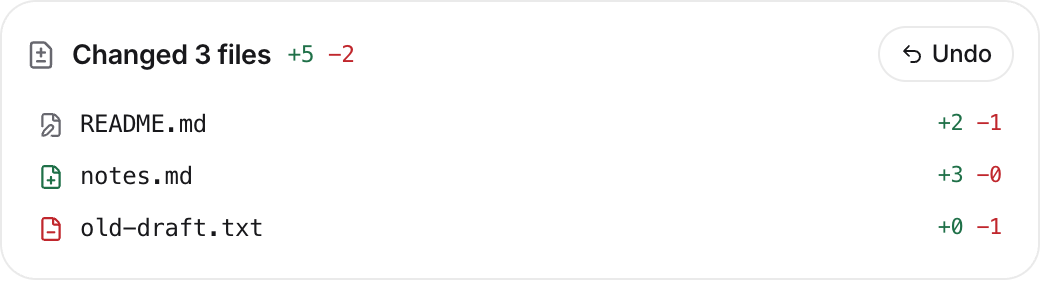
An agent in Bloks asks before it acts, unless you tell it not to, and you can write rules in a sentence ("never push to main"). Anything it changes in your files can be undone, a conversation can be rewound, and any answer can be branched to try another way. Work that should not touch your machine can run in a Docker container or on another machine over SSH.
OpenBot
OpenBot's README says its agents run with full, unrestricted access to your machine and no approval for each action after you agree on first launch, and that this is not a security boundary. It keeps service tokens and vault secrets in your system keychain. An undo for what an agent changed is not published.
Memory and privacy
BloksBetter
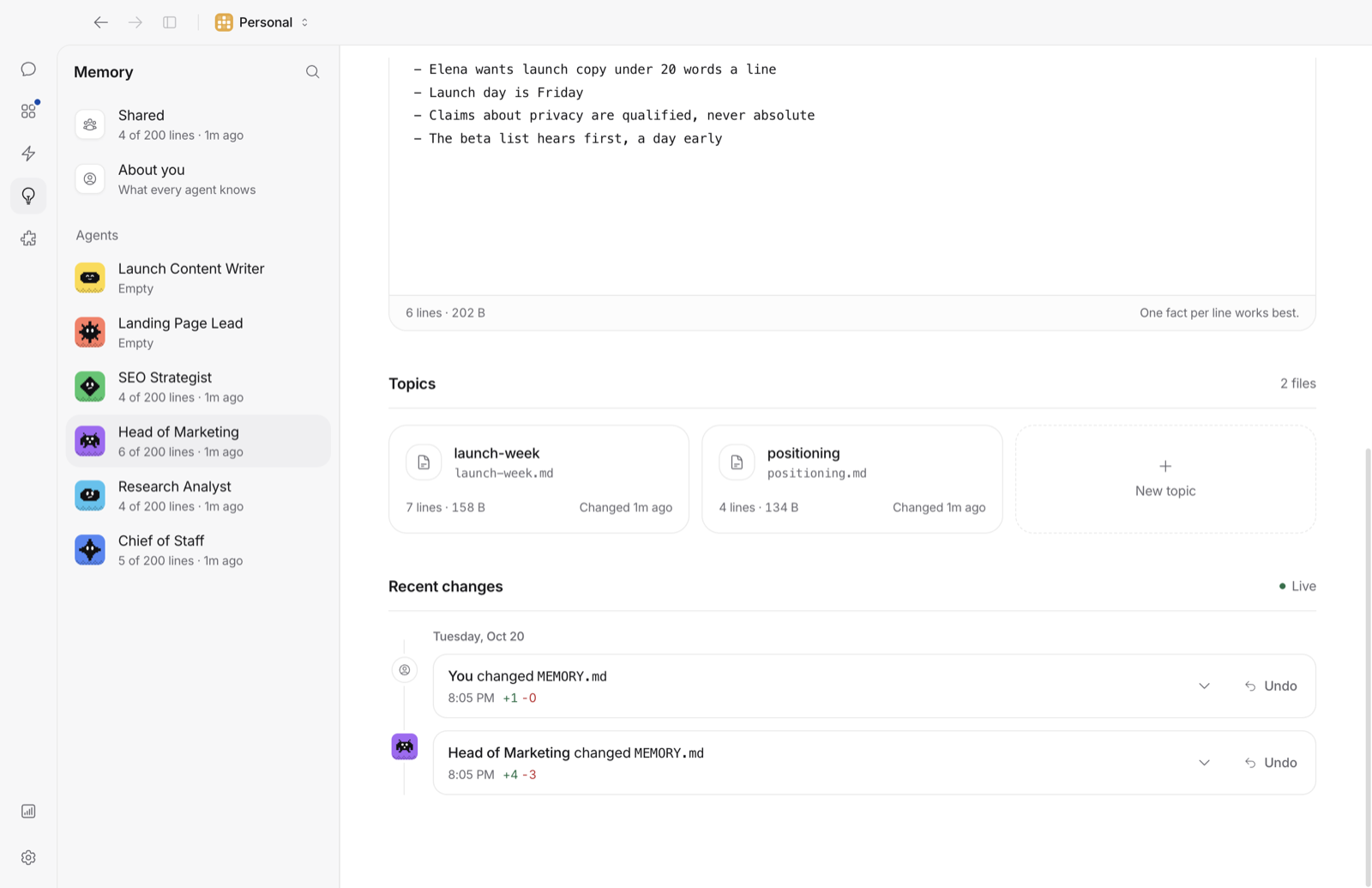
An agent's memory is Markdown: MEMORY.md and a folder of notes, in a folder you can open, read, edit and back up. The app sends no analytics; the only requests it makes on its own are listed in its README, and none carries your conversations.
OpenBot
OpenBot keeps agent and channel memories in a local database, with context compacted automatically. Your workspaces, chats and files stay on your host. Its analytics are self-hosted; its own documents differ on whether desktop analytics are on by default, saying it depends on your region.
Where OpenBot is ahead
Bloks
Bloks for Android is coming, but not out yet. Computer use in Bloks runs on a cloud box, a Local VM or your own computer, and managed hosting keeps agents on when your laptop is closed.
OpenBotBetter
OpenBot has an Android app alongside its iPhone app, computer use on all three desktop systems with a remote desktop on Linux, and hosted servers for a team at published monthly prices. If those are what you need today, they are real reasons to choose it.
Switching
Bring your OpenBot agents across in a minute
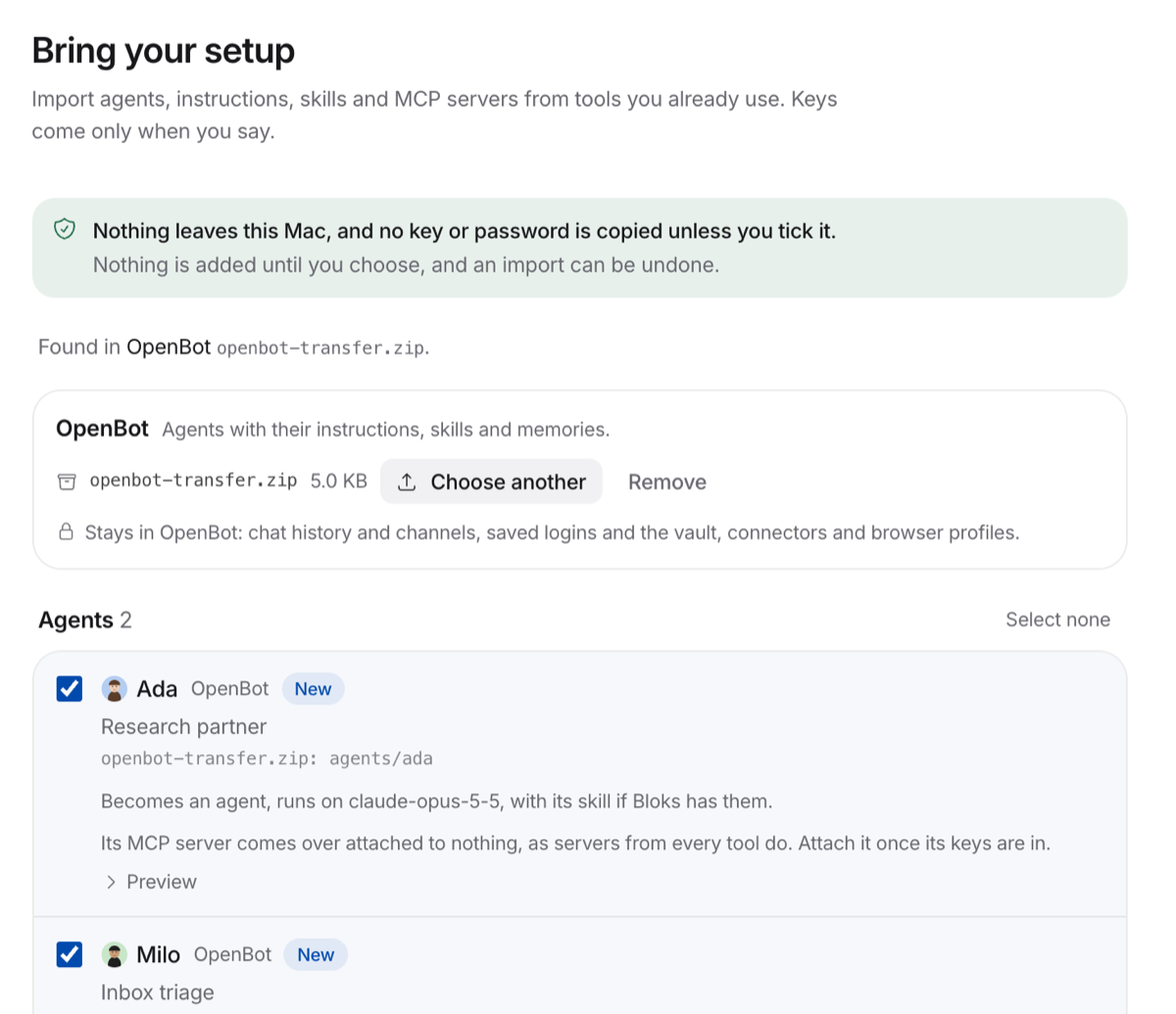
Bloks reads your OpenBot agents from their folders, or from an OpenBot transfer file: their names, pictures, instructions, skills, memories, and if you like their files and routines (which arrive paused), and shows you each item before anything is added. Keys and passwords are never copied unless you say so, and the whole import can be undone.
Meet your team in a minute
Free with the AI you already use. Your agents, their memory and their work stay on your machine.